
How it works
How to pay vendors by EFT from Zoho Books, in six steps
Most organizations finish the setup in one sitting and send their first test file the same day. All you need on hand is the EFT information from your bank and access to your Zoho Books account. Here is what you do at each step, and what you get.
-
2 min
Create your account
Sign up with an email address and password, or with your Google, Facebook or Apple account, then confirm your email. We recommend turning on two-factor authentication right away, since Zefty will hold your payment files.
-
3 min
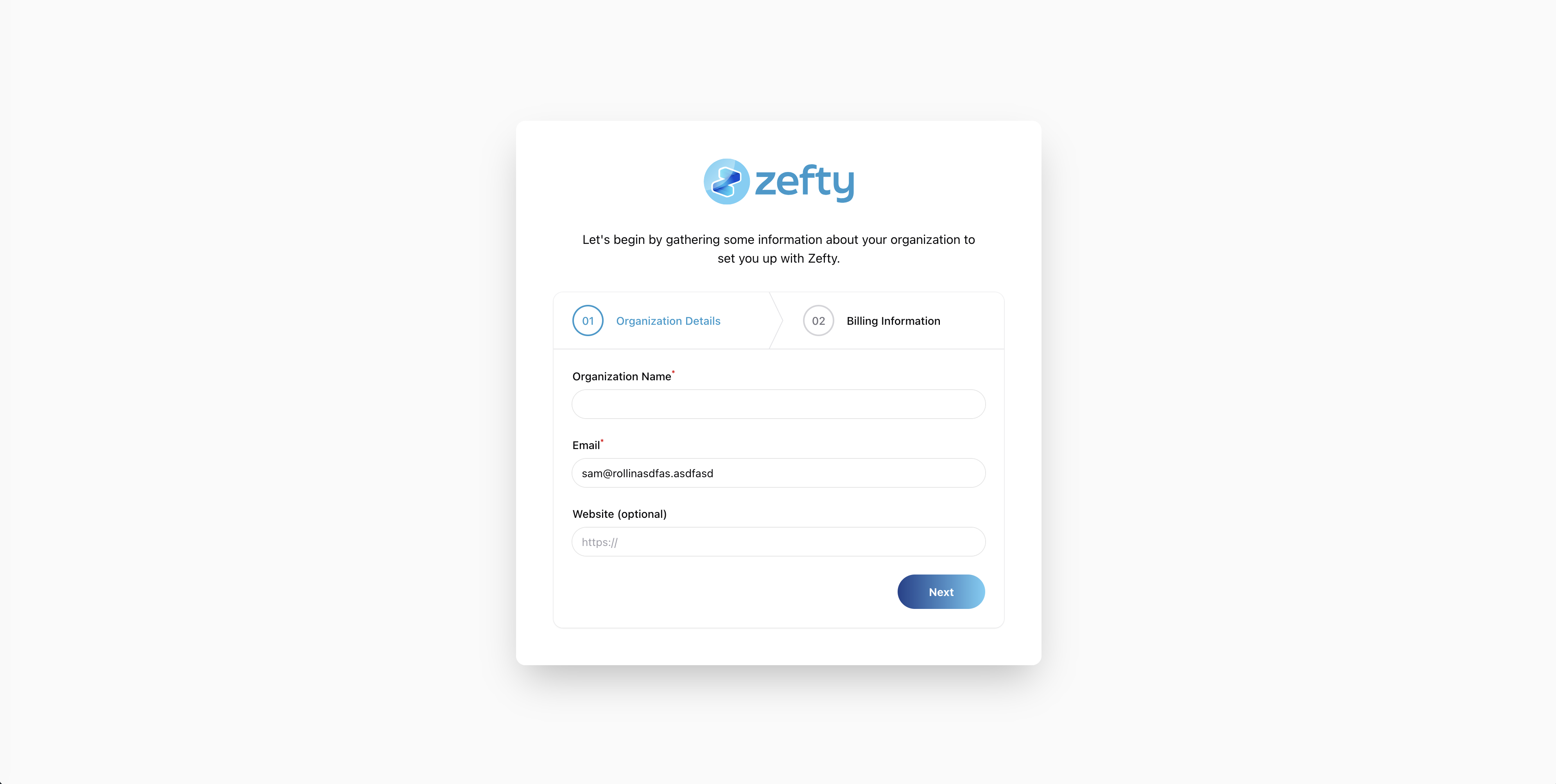
Set up your organization
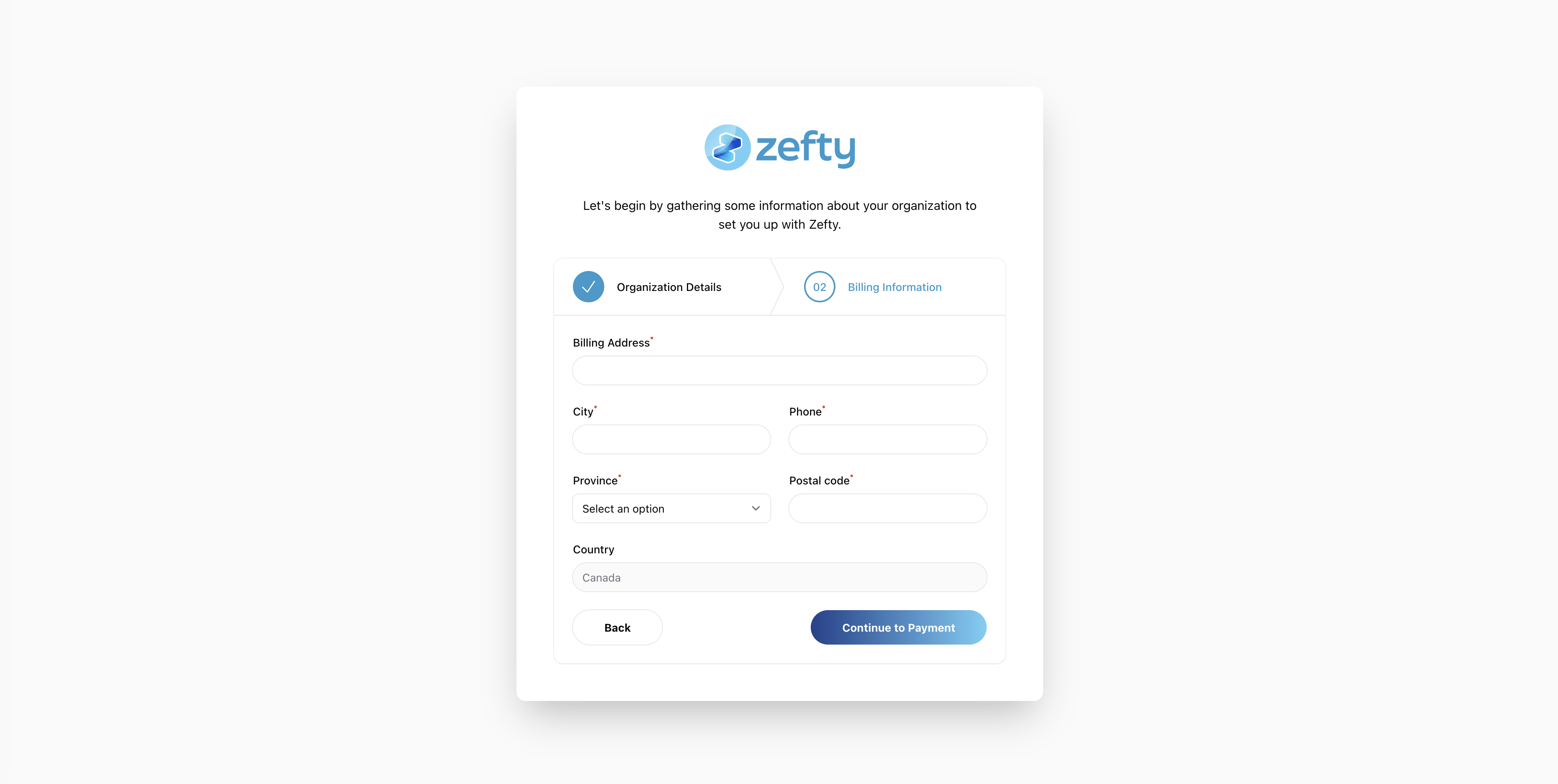
Tell us who is paying: your business name as registered with your bank, your address and your contact details. That is all Zefty needs to put your name on every file. If you manage several companies, you can add more organizations later.
-
2 min
Choose a plan and subscribe
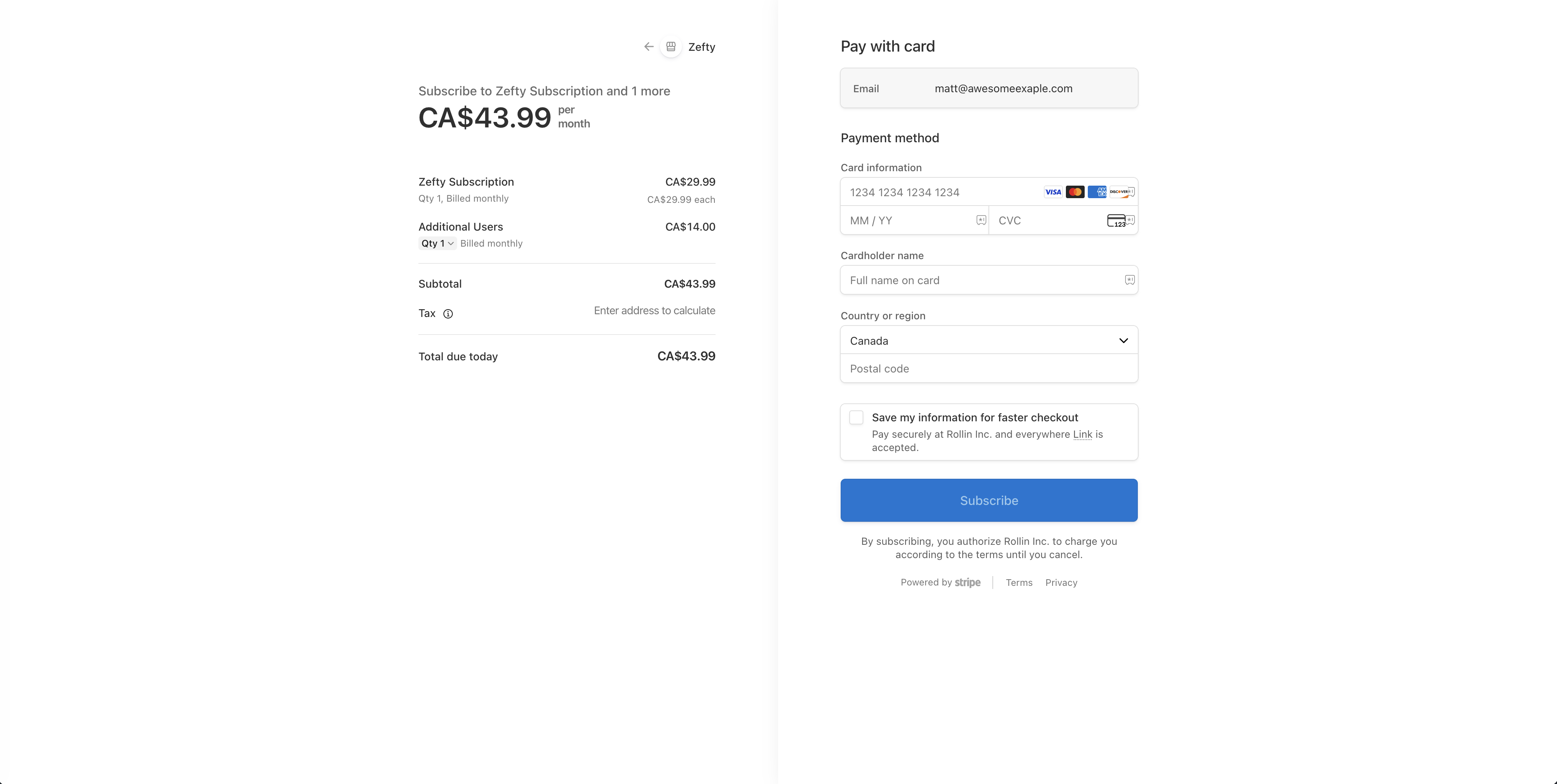
Pick Starter, Team or Premium and pay on Stripe's secure checkout. Prices are in Canadian dollars, taxes are added for your province, and there is no long-term contract. On Team, add users now or later at $14 per additional user per month. Compare plans.
-
5 min
Enter your bank details
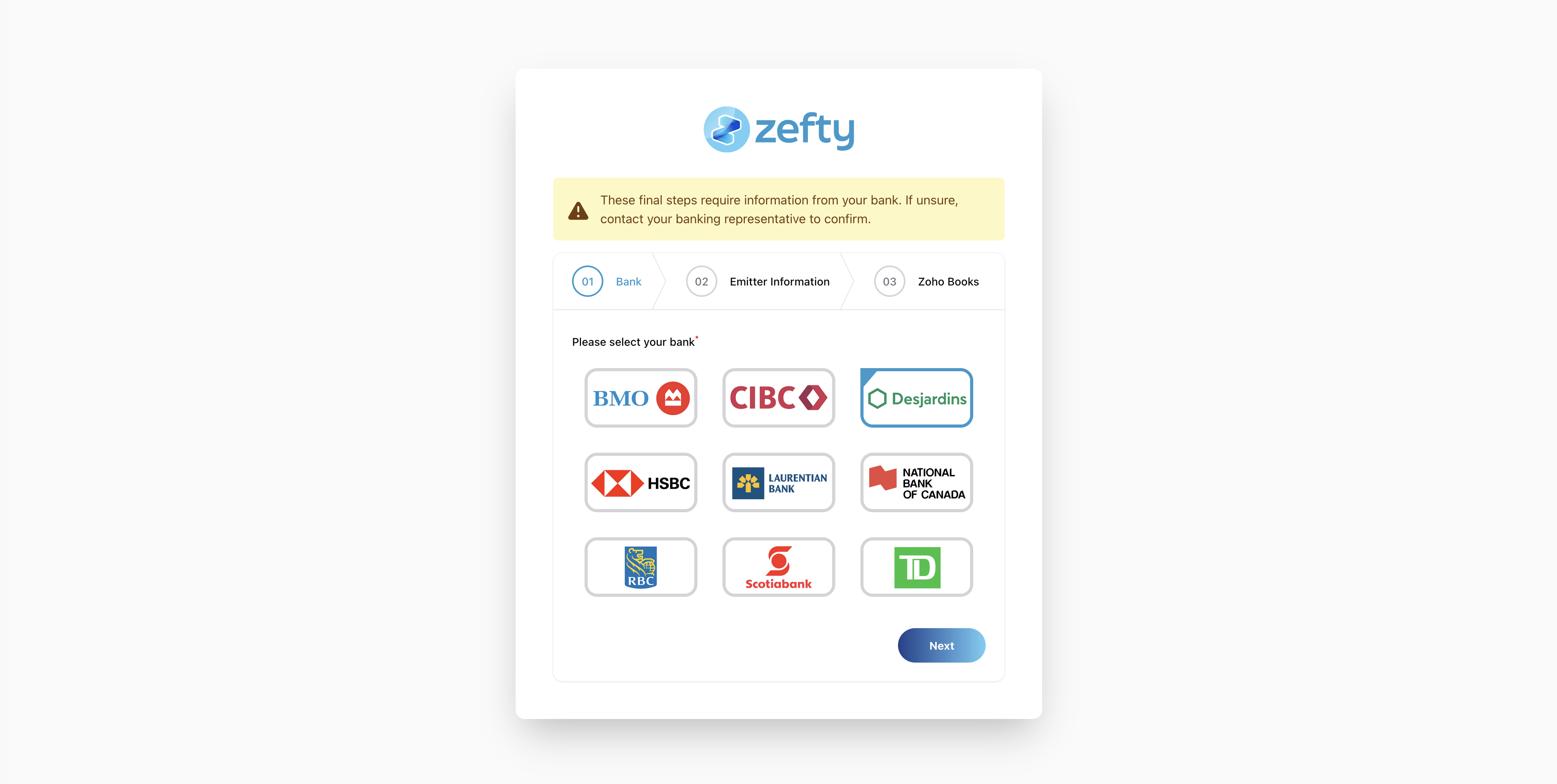
Choose your bank from the nine supported institutions and enter your originator ID, transit, institution and account number, once. If your bank has not yet enabled EFT origination on your account, your business banking representative can set it up. See what your bank needs.
-
10 min
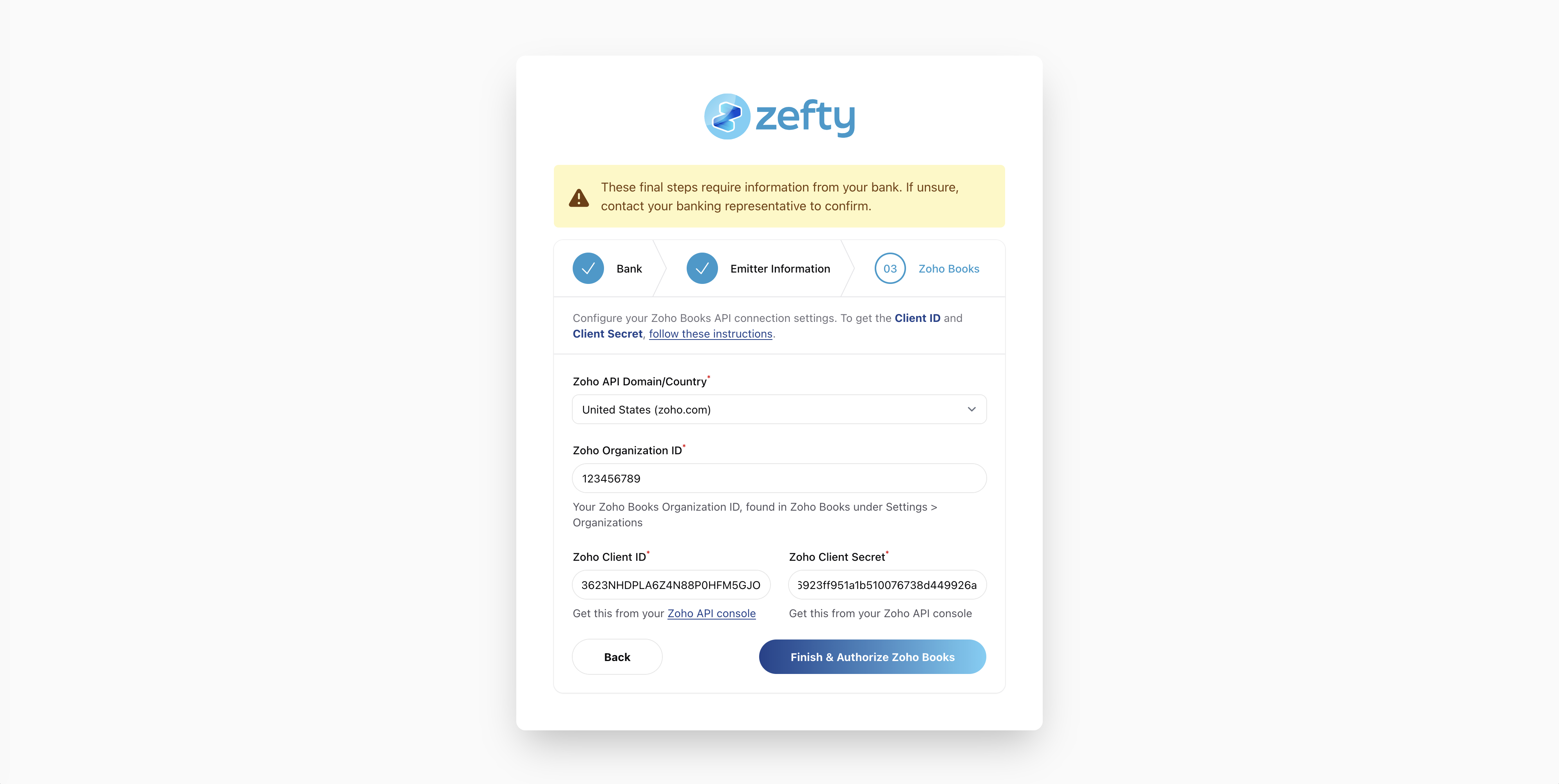
Connect Zoho Books
Authorize the connection from your Zoho account in a few clicks. Zefty never sees your Zoho password, and your vendors and bills appear in Zefty automatically as soon as the first sync finishes.
-
3 min
Generate your first payment file
Select the bills to pay, enter partial amounts if needed, choose a payment date and download your EFT 1464 file. Upload it to your bank's portal as is. Zefty records each payment in Zoho Books and keeps the file with its report. For your very first file, leave test mode on and confirm acceptance with your bank.
Your new routine
From here on, paying vendors takes minutes. Bills approved in Zoho Books show up in Zefty every night and on demand. You select, generate, upload to your bank and move on. Every payment is recorded in Zoho Books automatically, every file is kept with a readable report, and your payment history is ready for whoever asks.
Setup questions
Plan for about half an hour if you already have your originator ID from your bank and access to your Zoho Books account. Most organizations finish in one sitting and send a test file the same day.
Your bank must enable EFT origination on your business account and give you an originator identifier; banks call it originator ID, client number or company number. Zefty asks for it once, along with your business name as registered with the bank and your account details. The bank pages tell you who to ask at each institution.
No. Each step is a short form, and the help centre and the onboarding guide walk you through it with screenshots. If you prefer, our support team can do it with you by email in English or French.
Yes. Keep test mode on while you validate: test files are clearly marked and nothing is recorded in Zoho Books. Most banks accept a test file through their portal and confirm that your setup is correct.
Write to our Canadian support team, in English or French, and we pick up where you left off. The onboarding guide covers every step, and existing customers can open a request from inside the app. Contact us.
Start with step one
Create your account now, then follow the steps above at your own pace. Your first file, in test mode, can be ready today.